The 1Password breach disclosed on November 25, 2026, started with a single compromised employee GitHub account. An attacker used it to reach private source code, push malicious code into backend services and download account records for a subset of 1Password customers, including names and email addresses.
Introduction to Malware Binary Triage (IMBT) Course
Looking to level up your skills? Get 10% off using coupon code: MWNEWS10 for any flavor.
Enroll Now and Save 10%: Coupon Code MWNEWS10
Note: Affiliate link – your enrollment helps support this platform at no extra cost to you.
1Password says vault contents, the items in them and the keys that protect them were never accessed. The more immediate risk sits elsewhere: a verified list of password manager users, plus internal source code and access to the company’s CI/CD system, is useful material for follow-on attacks.
How the Intrusion Unfolded
1Password’s incident disclosure lays out a short chain:
- Account takeover: An attacker gained access to an employee’s corporate GitHub account; the company began investigating on November 19, 2026
- Code access: The account was used to read source code in private repositories
- Malicious deployment: The attacker pushed malicious code to backend services
- Data collection: That code downloaded administrative account records for a subset of customers
- Pipeline access: The attacker also copied source code and gained access to 1Password’s CI/CD system, which holds infrastructure secrets the product needs to run
The disclosure does not say how the GitHub account was compromised, whether through phishing, a stolen session or token, malware on a workstation or another route. It also gives no number of affected customers and names no threat actor. As of November 26, 2026, no group had publicly claimed the attack.
Which Customer Records Did the Attacker Download?
1Password lists the following fields in the stolen records, along with its own assessment of each:
| Data Type | 1Password’s Assessment |
|---|---|
| Names and email addresses | The names and emails customers use to sign in to 1Password |
| Account and user identifiers, account creation and last sign-in times | Non-secret account metadata |
| Public keys | Public by design, with no impact on user security |
| Secure Remote Password (SRP) parameters | Cannot be used to access an account |
| Tokens in emailed invitation, provisioning and recovery links | Cannot open an account on their own |
| Internal metadata, such as version and file numeric identifiers | Non-secret details about internal architecture |
The company states that account passwords, Secret Keys and account recovery keys were not affected and that its apps and browser extensions were not touched. Of these fields, names and email addresses carry the most practical value for an attacker, because they confirm who uses the product.
Why Vault Contents Stayed Out of Reach
1Password’s architecture is designed for exactly this scenario. Vault data is encrypted with keys that only the user holds, and 1Password does not store the account password or Secret Key. An attacker inside the backend can copy what the servers hold, but those servers never hold what is needed to decrypt a vault.
That design is why the company is not asking customers to change their account passwords or Secret Keys. The SRP parameters taken in the breach belong to the sign-in protocol and, by 1Password’s assessment, do not let an attacker authenticate.
What About the Tokens in Recovery and Invitation Emails?
This part of the incident has the clearest path to account-level harm, and 1Password addressed it separately. When the company emails a user to accept a provisioning invitation (used with its SCIM Bridge or Hosted Provisioning) or to complete account recovery, the link carries a token. Completing the flow also requires either an SSO sign-in or a six-digit code sent to the user’s registered email address.
Only a small number of users had such a pending invitation or recovery during the incident, and 1Password says it notified them individually. To make guessing the second factor impractical, it lengthened the email codes from six digits to ten characters. It also reports finding no internal evidence of account takeovers or of any exposed provisioning token being used.
Early reporting described the whole incident as affecting “a small number of users.” In 1Password’s disclosure, that phrase refers to users with pending tokens. The account records were taken from a broader “subset” of customers, whose size has not been disclosed.
Source Code and CI/CD Access Carry Longer-Term Risk
1Password stresses that its source code is not customer data and contains no user secrets. Even so, stolen private code lets an attacker study internal services offline for weaknesses, and a CI/CD foothold is one of the most sensitive positions inside a software company, since it sits between source code and production.
The company says it has rotated or revoked every internal credential that may have been exposed, disabled the affected GitHub account, revoked the stolen token and removed the access the attacker created. It also restored clean versions of the affected services, tightened GitHub, CI/CD and endpoint controls, added detections for this type of attack and brought in independent experts to validate its containment and remediation. 1Password reports no impact on its services, availability or product security.
Phishing Is the Near-Term Threat for 1Password Users
A list of confirmed 1Password users with their names and sign-in emails is a ready-made target list. Expect lures that reference the breach directly: messages urging users to “secure” their account, re-verify details, accept an unexpected invitation or approve a recovery request.
For individual users and administrators of 1Password Business accounts:
- Treat breach-themed emails as suspect: Open the 1Password app or type the website address yourself instead of following links
- Never share credentials: 1Password says it will never ask for an account password or Secret Key; a Secret Key is only needed when signing in on a new device or browser
- Watch for unexpected flows: Report invitations or recovery requests you did not start to 1Password support
- Brief your users: Business administrators should warn staff that their work email may now be on a list of known 1Password users
What Security Teams Can Take From This Incident
The following points are general lessons for software vendors and internal engineering teams, not steps 1Password has described beyond those listed above:
- Protect developer identities like production credentials: Phishing-resistant MFA, short session lifetimes and device-bound sessions for source control accounts limit what a single stolen login can do
- Separate code access from deployment rights: A single account that can both read repositories and push code to production services is a direct route from identity compromise to data theft
- Keep CI/CD secrets short-lived: Scoped, frequently rotated credentials reduce the blast radius when a pipeline is reached
- Monitor for unusual pushes and token use: Alerts on new deployment sources, off-hours changes to backend services and personal access tokens used from new locations help catch this chain early
Watching Vendor Breaches That Reach Your Users
When a vendor as widely deployed as 1Password loses customer records, the follow-on phishing lands in your employees’ inboxes:
- Supply Chain Intelligence: Alerts you when a vendor in your software stack, such as your password manager, reports a breach, so you can assess exposure and warn users quickly
- Dark Web Monitoring: Watches underground forums and leak channels for datasets containing your corporate email domains, including any listing tied to the 1Password records
- Cyber Threat Intelligence: Tracks phishing campaigns and actor activity that exploit high-profile breaches as lures
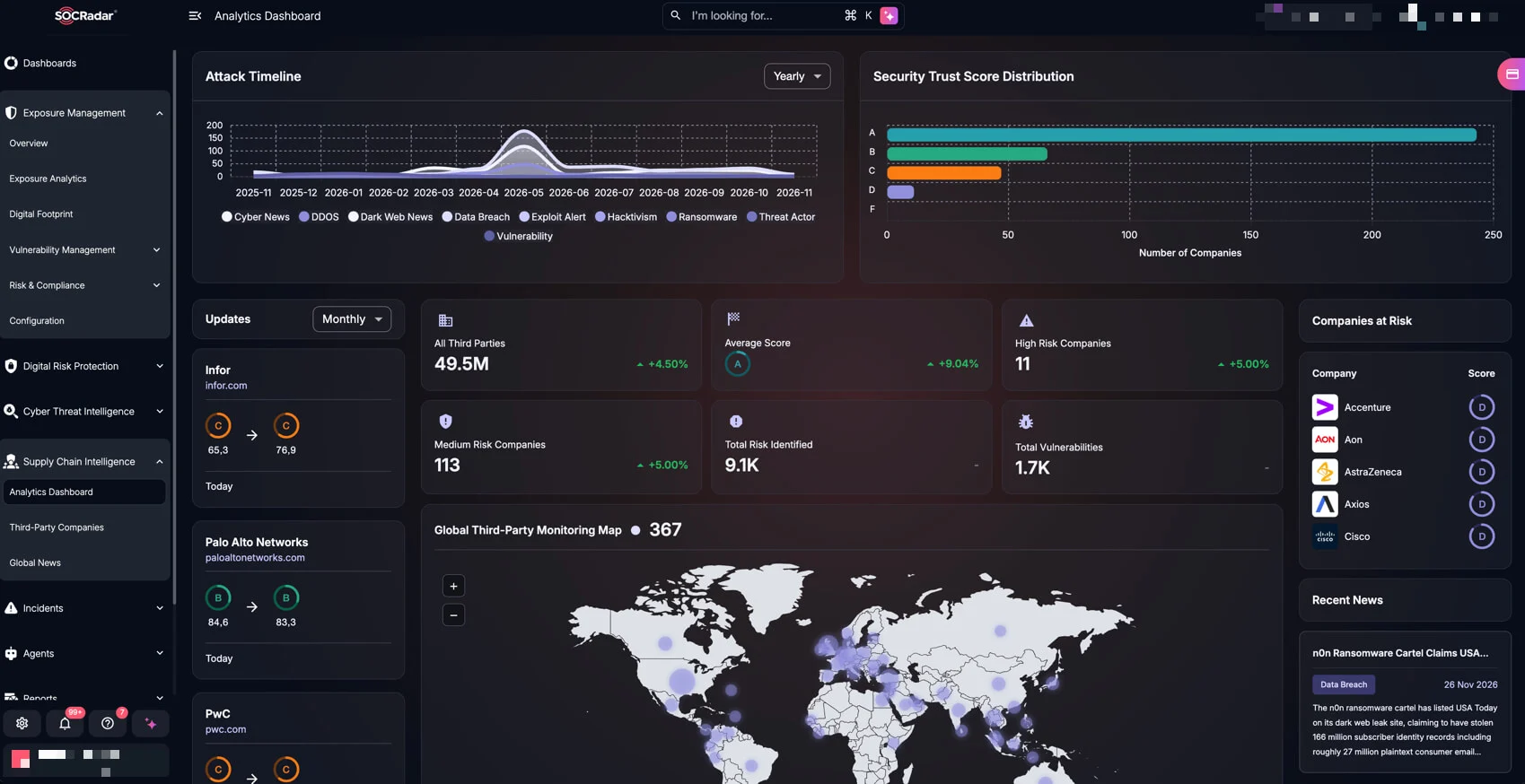 SOCRadar’s Supply Chain Intelligence
As 1Password’s investigation continues and it becomes clearer whether the stolen data surfaces, SOCRadar keeps both the vendor picture and your own exposure in view, so teams can respond as soon as the risk changes.
Frequently Asked Questions
Were 1Password Vaults Compromised?
No. 1Password says the attacker never accessed customer vault contents, the items in them or the keys that protect them. Vault data is encrypted with keys that only the user holds, so a copy of the backend data does not expose stored passwords.
Do I Need to Change My 1Password Password or Secret Key?
1Password is not asking customers to change their account password or Secret Key, and it says no action is needed in the account itself. The company recommends staying alert to phishing instead.
What Data Was Stolen in the 1Password Breach?
The attacker downloaded account records for a subset of customers: names, email addresses, account and user identifiers, account creation and last sign-in times, public keys, Secure Remote Password parameters, tokens from certain invitation and recovery emails, and non-secret internal metadata. Private source code was also copied.
How Did the Attacker Get Into 1Password’s Systems?
The attacker gained access to an employee’s corporate GitHub account and used it to push malicious code to backend services. 1Password has not said how the GitHub account itself was compromised.
How Many 1Password Users Were Affected?
1Password has not disclosed the number. It describes the affected group as a subset of customers and says it individually notified the small number of users who had a pending invitation or recovery token.
What Should 1Password Users Do Now?
Treat unexpected emails, texts or calls about 1Password, invitations or account recovery as possible phishing. Enter your account password and Secret Key only in the official app or on a website address you typed yourself, and report anything suspicious to 1Password support.

Article Link: https://socradar.io/blog/1password-breach-employee-github-account/